
Tell a story, scene by scene
Plan it, make it, polish it, then join it into one video.
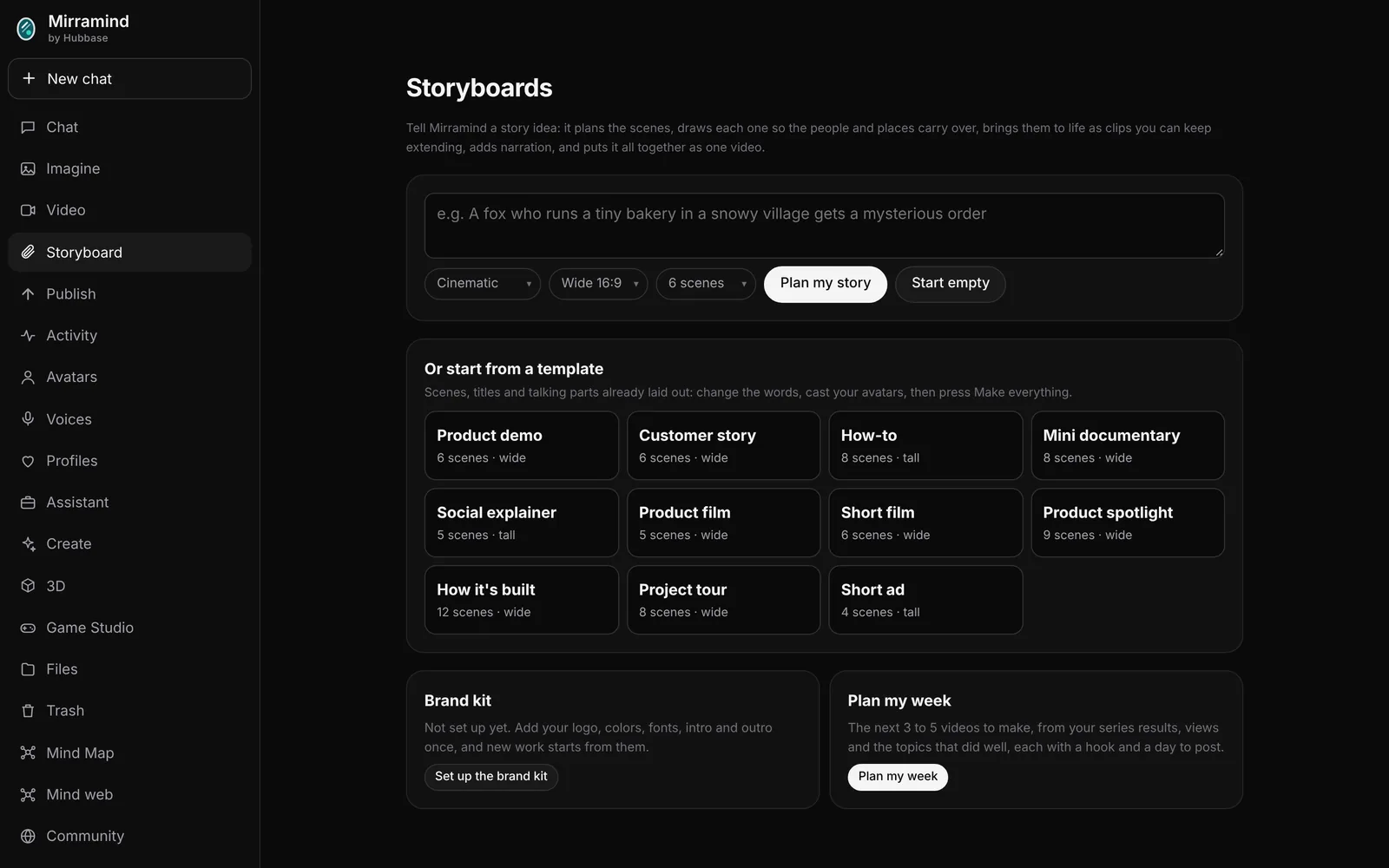
An idea, a template or your own text
Describe a story and Mirramind plans the scenes, or start from a template: Product demo, Customer story, How-to, Mini documentary, Social explainer, Product film, Short film, Product spotlight, How it's built, Project tour and Short ad.
Have a chapter or a script already? Paste it into Text to Scenes.
- Brand kit: your logo, colors, fonts, intro and outro
- Plan my week: the next videos to make, each with a hook and a day to post
Pictures, talking parts and title cards
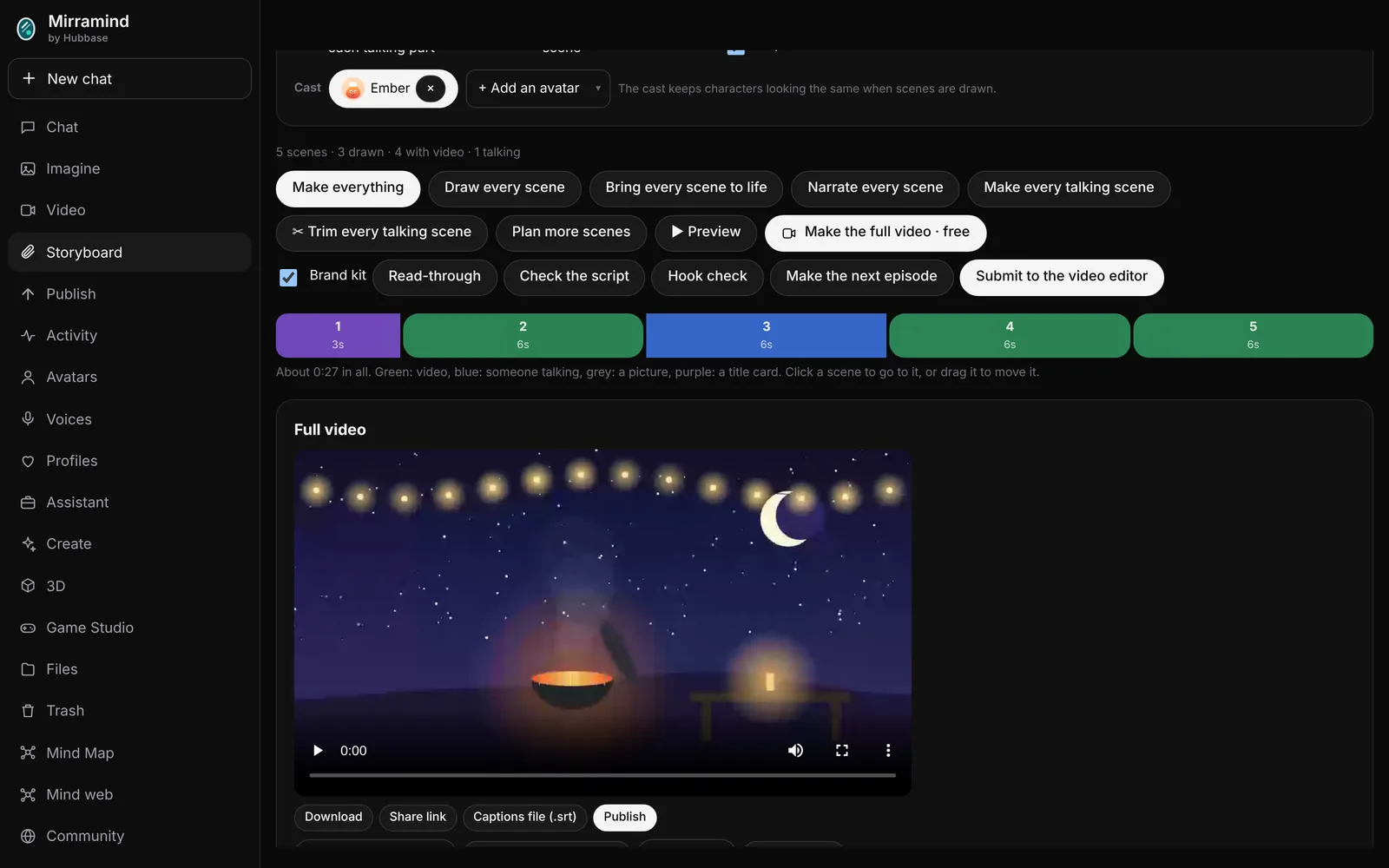
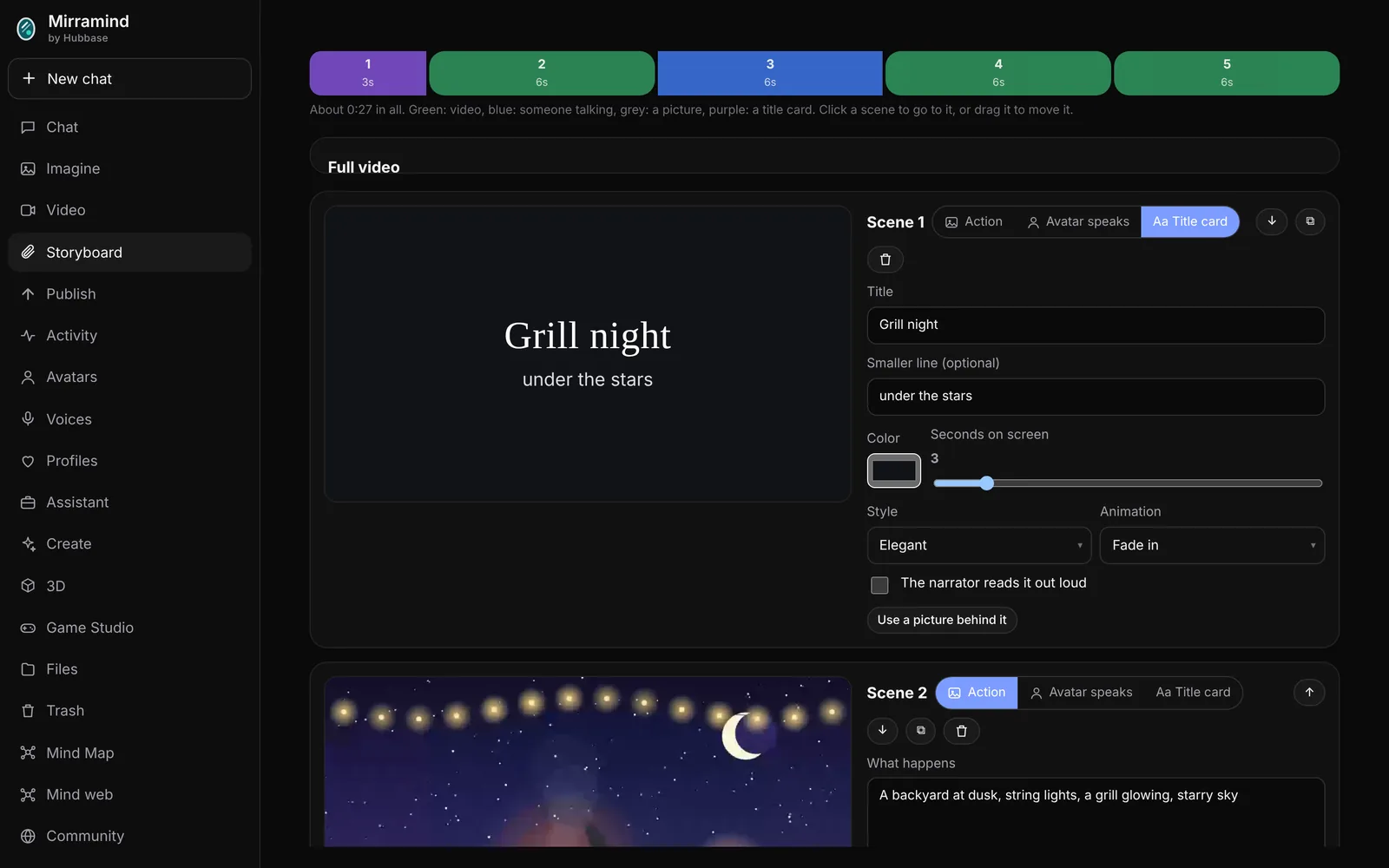
Each scene is an action brought to life, an avatar speaking, or a title card. The strip shows every scene and how long it runs; drag to reorder. Long scenes are made in parts and joined into one continuous take.
- Make everything, or one step at a time
- Voice only keeps music out of talking parts, so it sits under the whole video
- Use a built in track or upload your own music
Film looks, titles and camera moves
Film looks
Cinematic film, pastel storybook, teal and orange, black and white, vintage film, bright and vivid, or moonlit night.
Camera moves
Push in, pull back, pan, tilt, drift or handheld, set scene by scene.
Title cards
Bold, elegant or playful titles that fade, slide, type on or punch in.
Check the story first
Read-through
Hear the whole script read out loud, free.
Script check
Finds lines too long for their scene and other problems before you make anything.
Hook check
Looks at your opening so the first seconds keep people watching.
One video, then the editor
Make the full video in your browser, free. Or press Submit to the video editor and every clip lands on the timeline in order, ready to cut. Make the next episode when you're done and keep a series in order.
- Share a storyboard with reviewers for comments
- Captions in the video and a captions file
Plan on the go
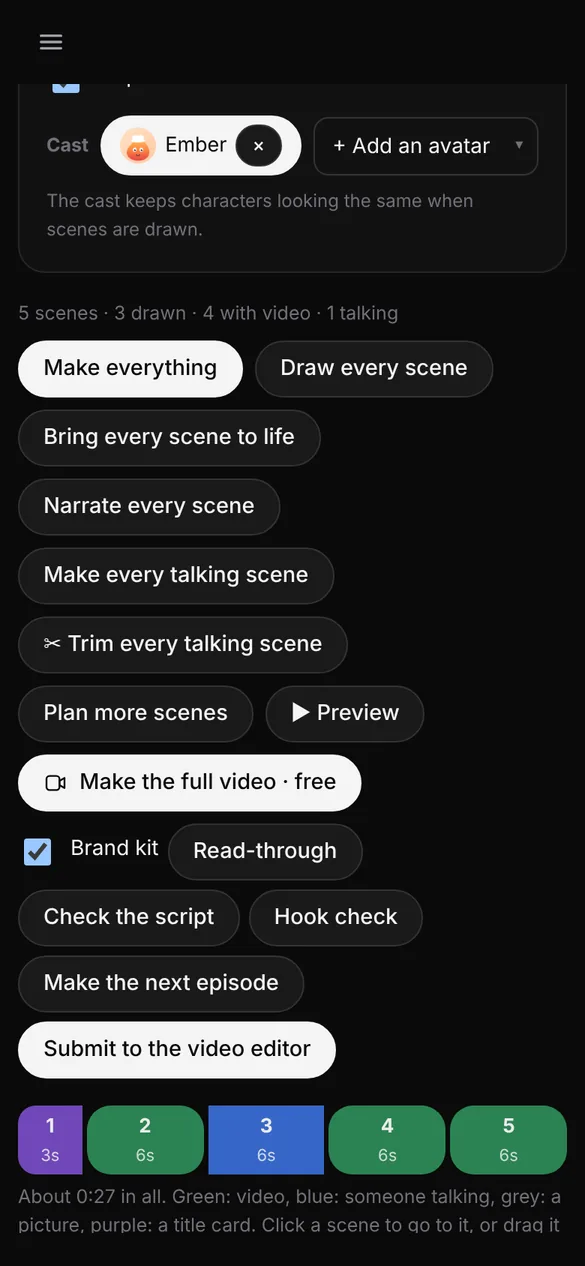
Storyboards work on a phone too: change a line, reorder scenes or press Make everything from wherever you are.
Start a storyboard
Begin with an idea, a template or your own text.