
A real editor, in your browser
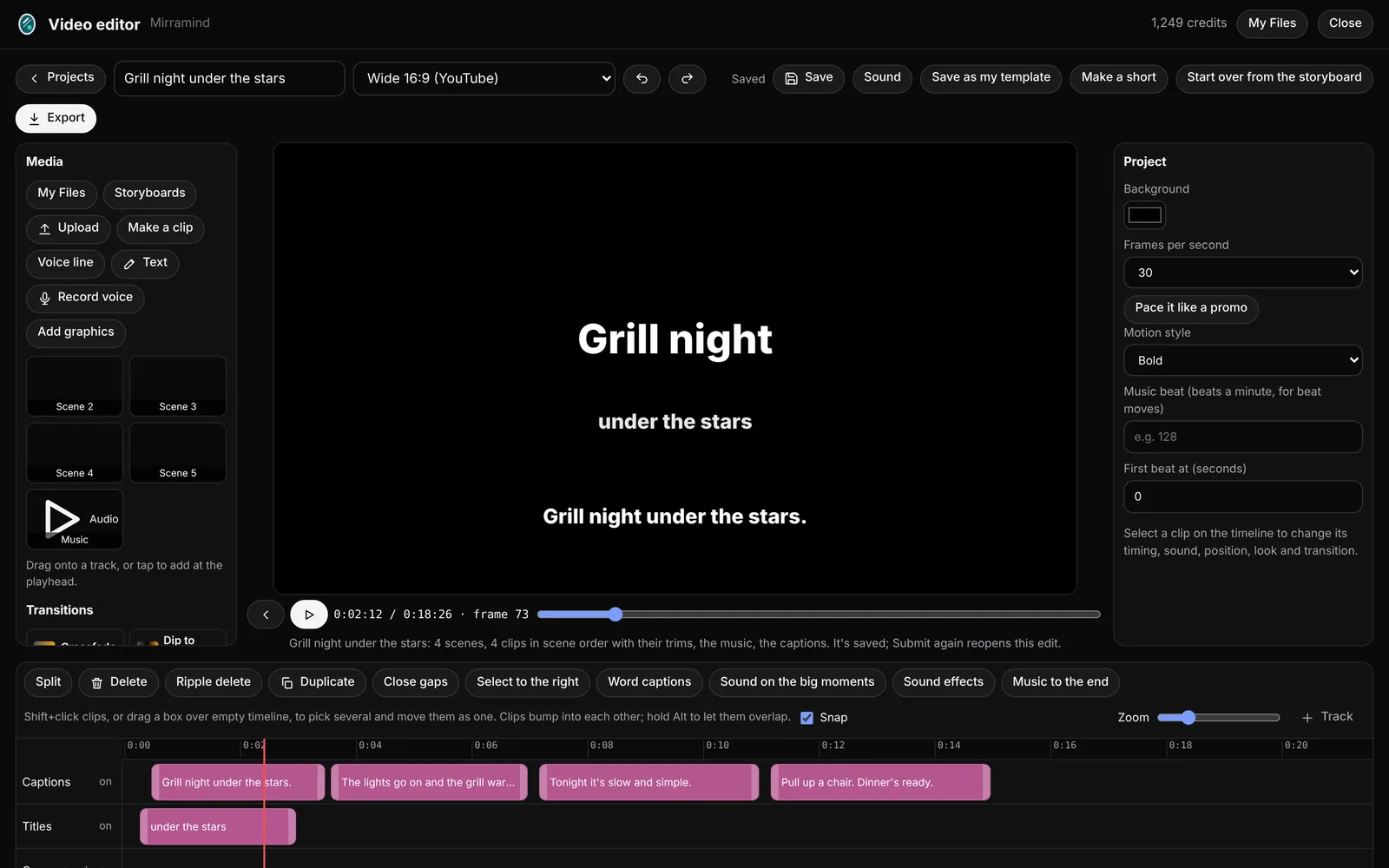
Cut your storyboard, a clip or anything in your Files, then export an MP4.
Tracks, trims and transitions
Video, captions, titles, voice and music each get their own track. Split, trim, duplicate and close gaps, select several clips at once, and add transitions between them. A storyboard arrives with every clip in scene order and its captions and title cards in place.
- Word captions and captions from your storyboard
- Undo and redo, and it saves as you go
- Start over from the storyboard any time
Clear voices, even levels
Voice and background split
Separate a clip's voice from what's behind it, and turn either one up or down.
Sound levels and Even out
Set the levels for speech, music and background, and tick Even out for one steady loudness on export.
Music and sound effects
Built in tracks, your own music, sound effects and voice lines.
Graphics, templates and your brand
Graphics and lower thirds
Add titles, names and labels on screen with simple motion.
Templates and brand kit
Save an edit as your template, and apply your logo, colors, fonts, intro and outro.
Make a short
A tall cut up to 60 seconds from the strongest parts, in whole sentences, with big word by word captions.
MP4 export and Finished videos
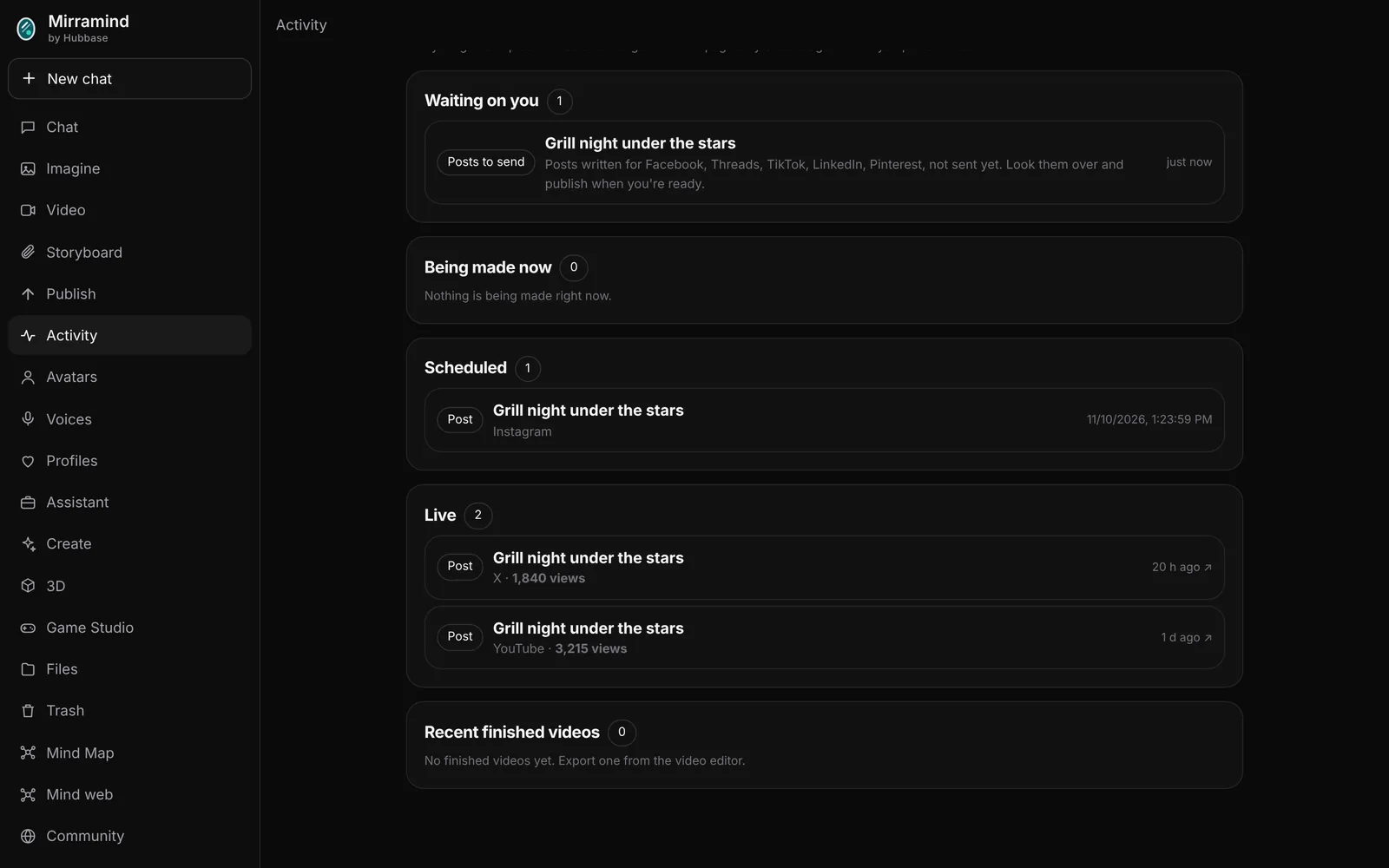
Export an MP4 in the shape you need. Finished videos are kept together, ready to download, share to the Community, turn into a blog post draft, or send to Publish.
Open the editor
Start empty, open a clip, or submit a storyboard.