
Voice Studio
Make a voice your own
Start from a built in voice, shape it, and use it for narration, avatars and dubbing.
Presets and sliders
Shape every voice
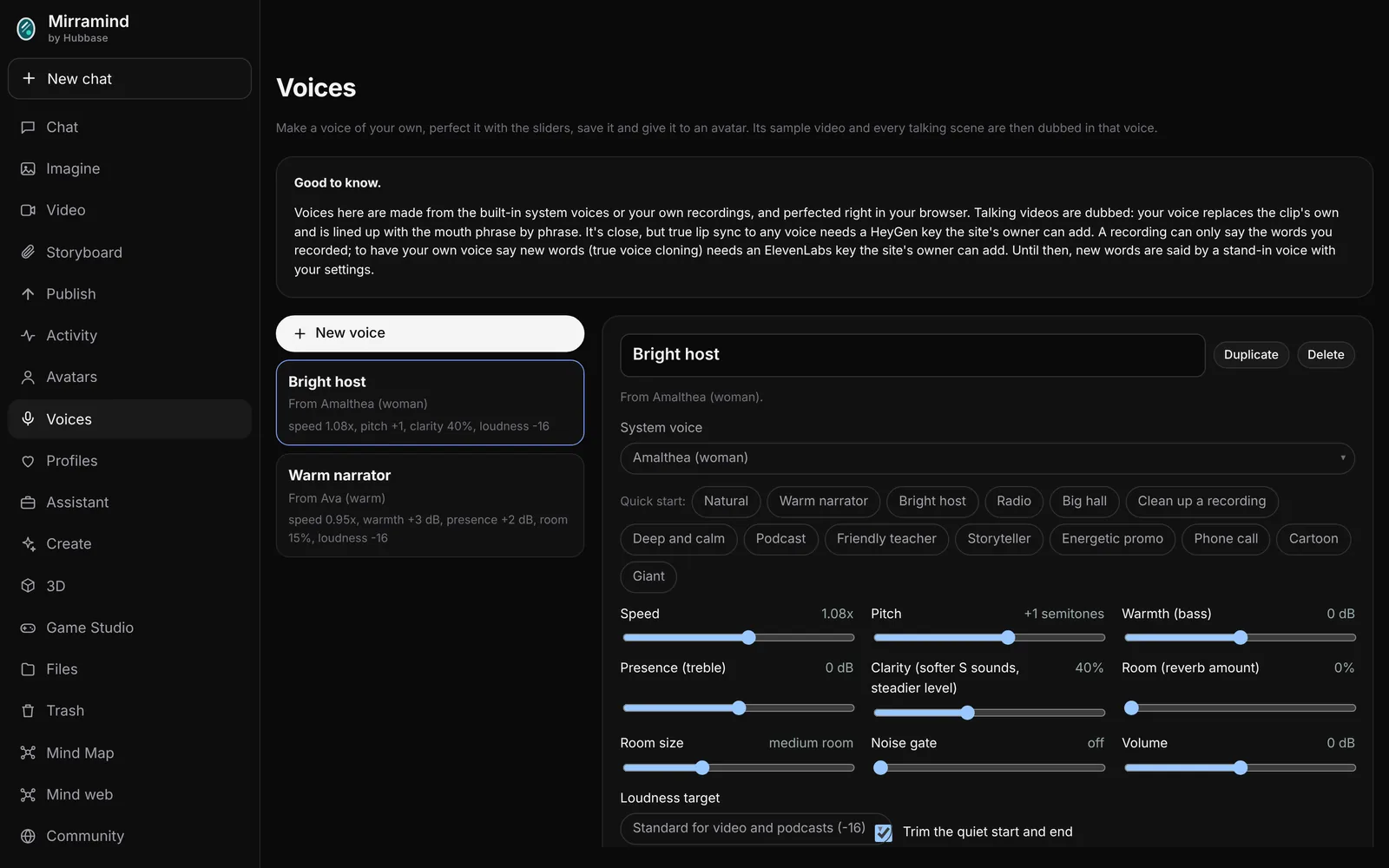
Start from a quick preset like Warm narrator, Podcast, Storyteller or Phone call, then fine tune speed, pitch, warmth, presence, clarity, room and loudness. Test it with any sentence and compare it with the voice before your settings.
- Save as many voices as you like
- Duplicate one to try a variation
- Trim the quiet start and end
Your own voice
Recorded voices and dubbing
Record your voice
Record yourself, or upload a recording, and use it as a voice.
Dubbing
Dub a saved voice onto an avatar's talking clip, matched to the timing of the words.
Use it everywhere
Narration in a storyboard, avatar lines and voice lines in the video editor.
Make a voice
Pick a preset and move a slider.