
Characters that look and sound the way you want
Make one from a description, a photo or a video, then have it say anything.
Talking clips from a portrait
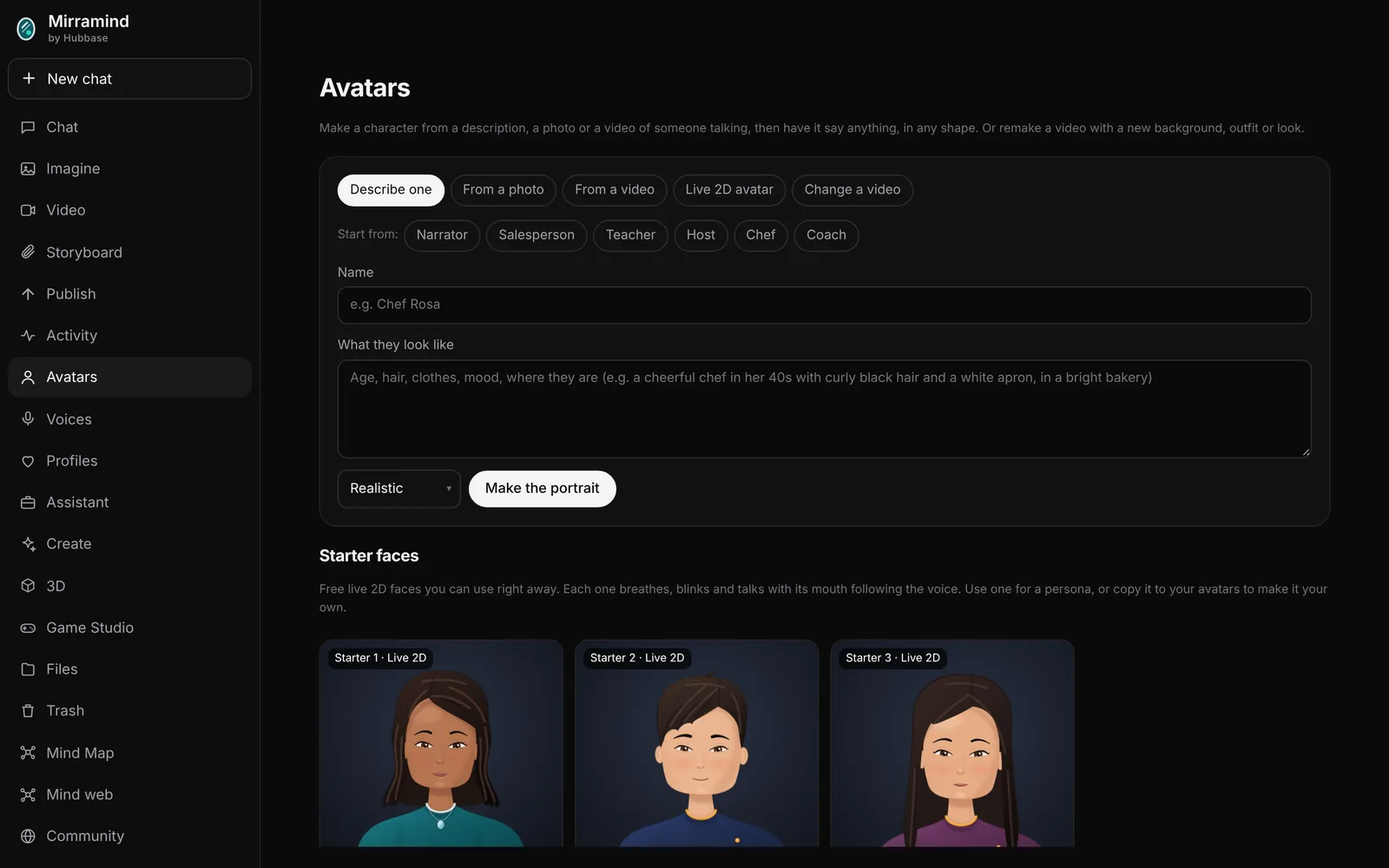
Describe a character or start from a photo, in the shape your video needs: tall, wide or square. Pick a voice from Voice Studio and hear a sample video with that voice dubbed on.
- Sort your avatars into categories
- Set a mood and a pace for how they speak
- Long scripts are made in parts and play as one
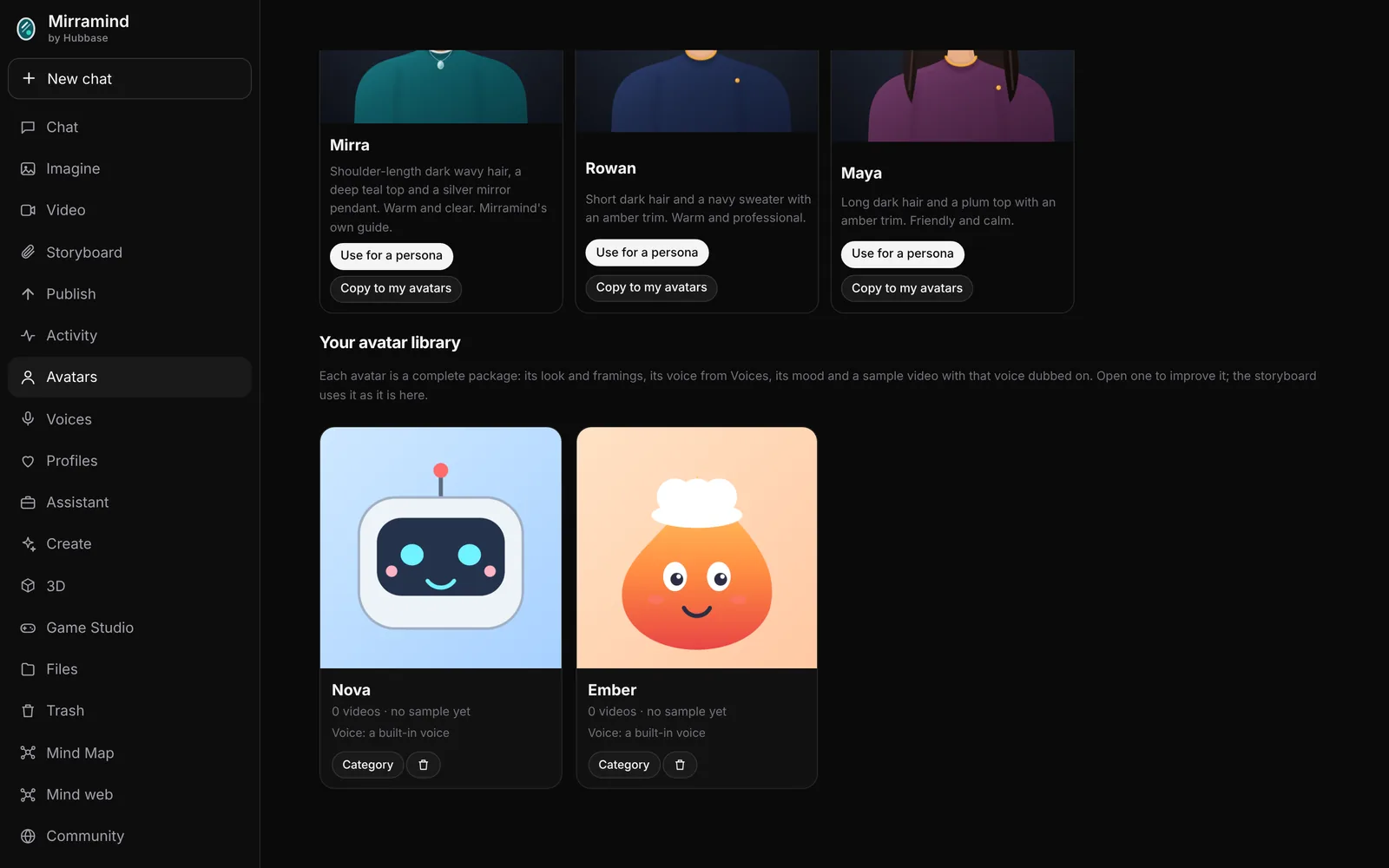
A live face for your persona
Start from a free starter face like Mirra's, import a live 2D avatar, or make one from a picture. It becomes the moving face of your persona in chat, and it can act out free talking scenes in a storyboard.
- Free starter faces, ready to use
- A live face in persona chat
- 2D Rig: turn a picture into a full body character with walk, wave and talk
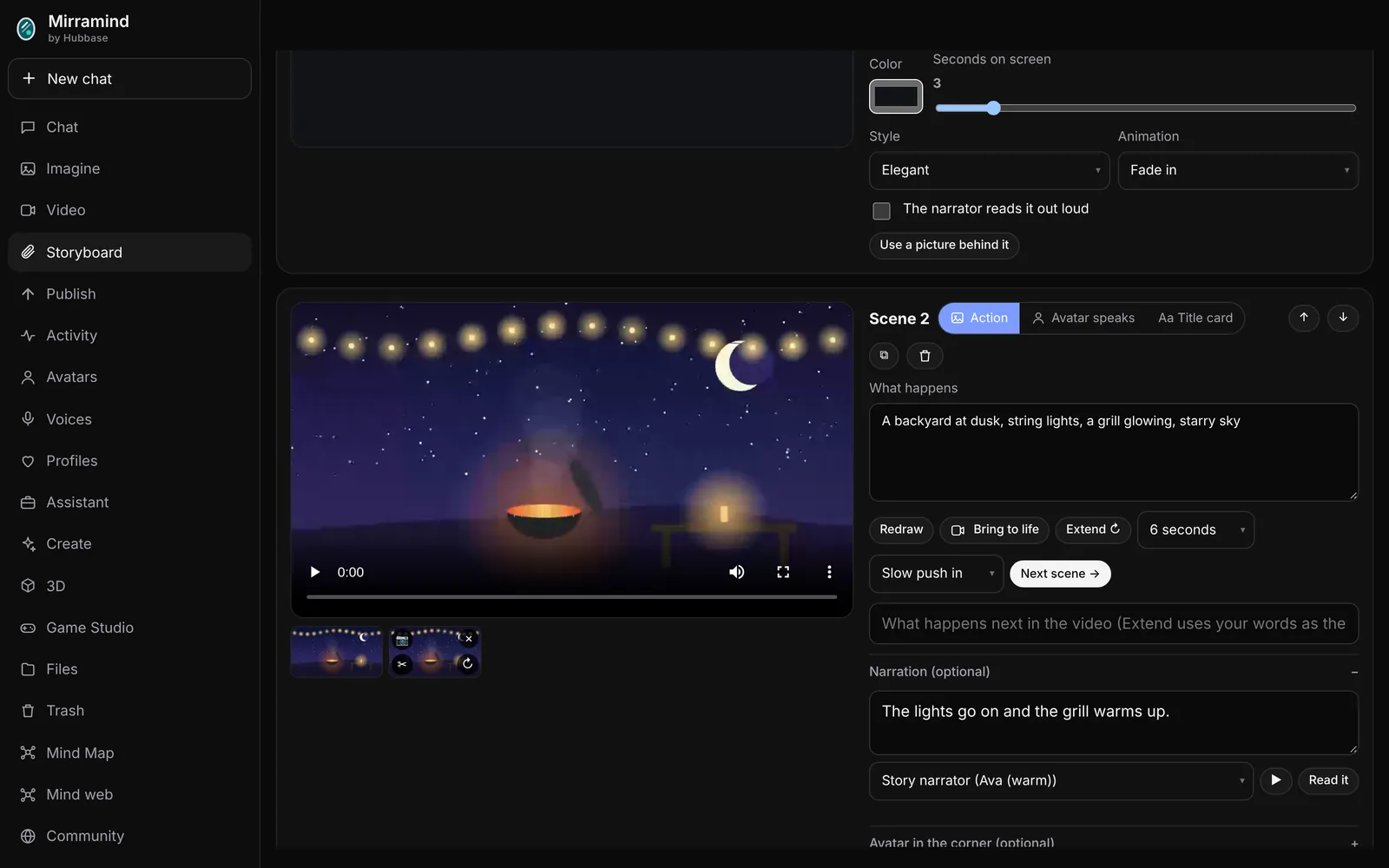
Cast them in your scenes
Add avatars to a storyboard's cast and choose Avatar speaks on any scene. Set the shot, the mood and the pace, type the line, and the scene is made with their face and voice.
Use a photo or video of a person only if it's you, or you have their permission. The app asks you to confirm this before it makes an avatar from one.
Make your first avatar
Start from a description or one of the starters.